


We’ve all been there.
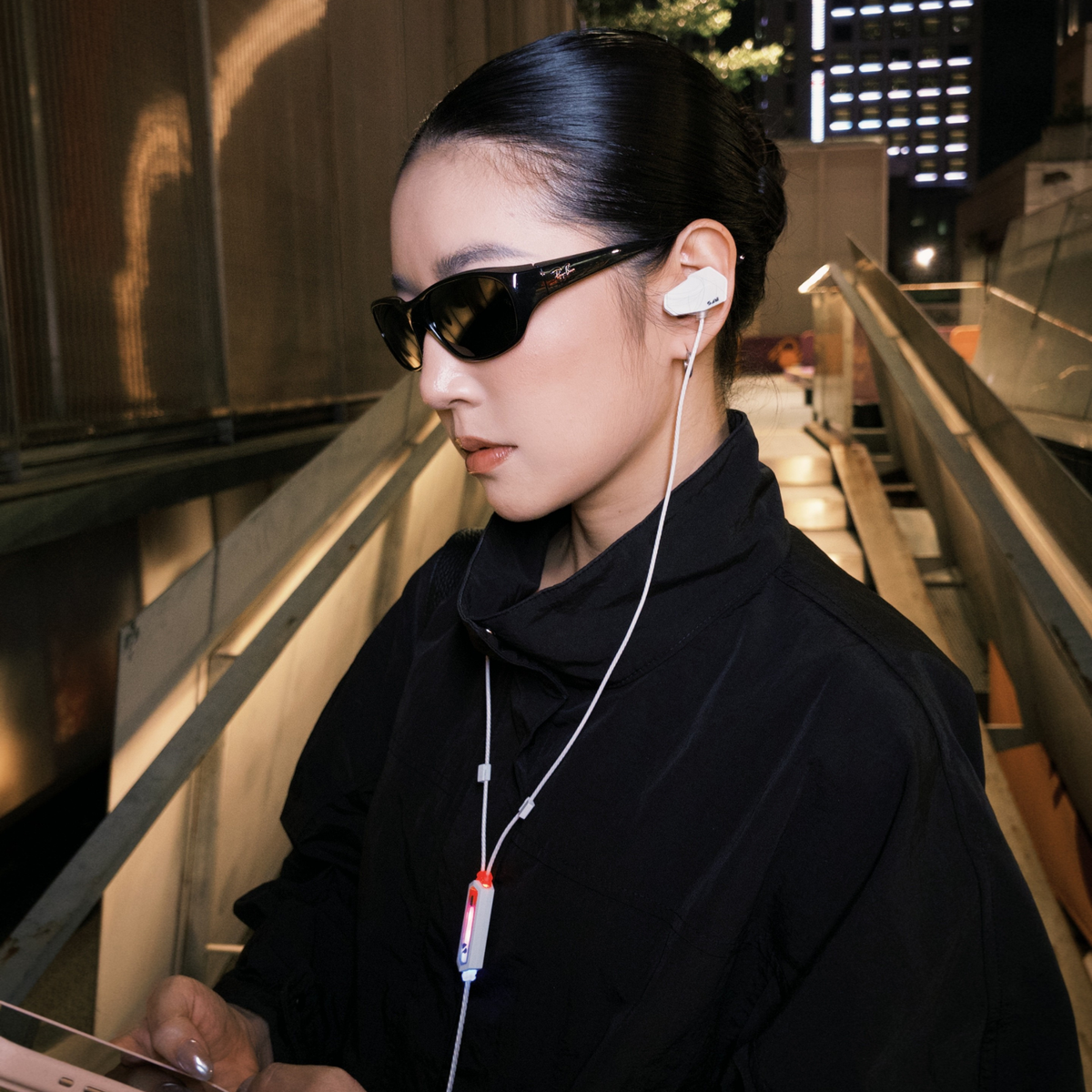
You’re in the middle of a ranked match with your friends when someone (usually mom) walks into the room and decides right now is the perfect time to ask you something embarrassing. Your food just arrived during a 2-hour Discord call. Your dog starts barking. Your roommate starts vacuuming. Your mom yells your name across the house, or maybe... you just need 30 seconds of privacy.
Whatever the reason, sometimes you need to mute your mic right now, without fumbling for your phone or digging through an app setting.
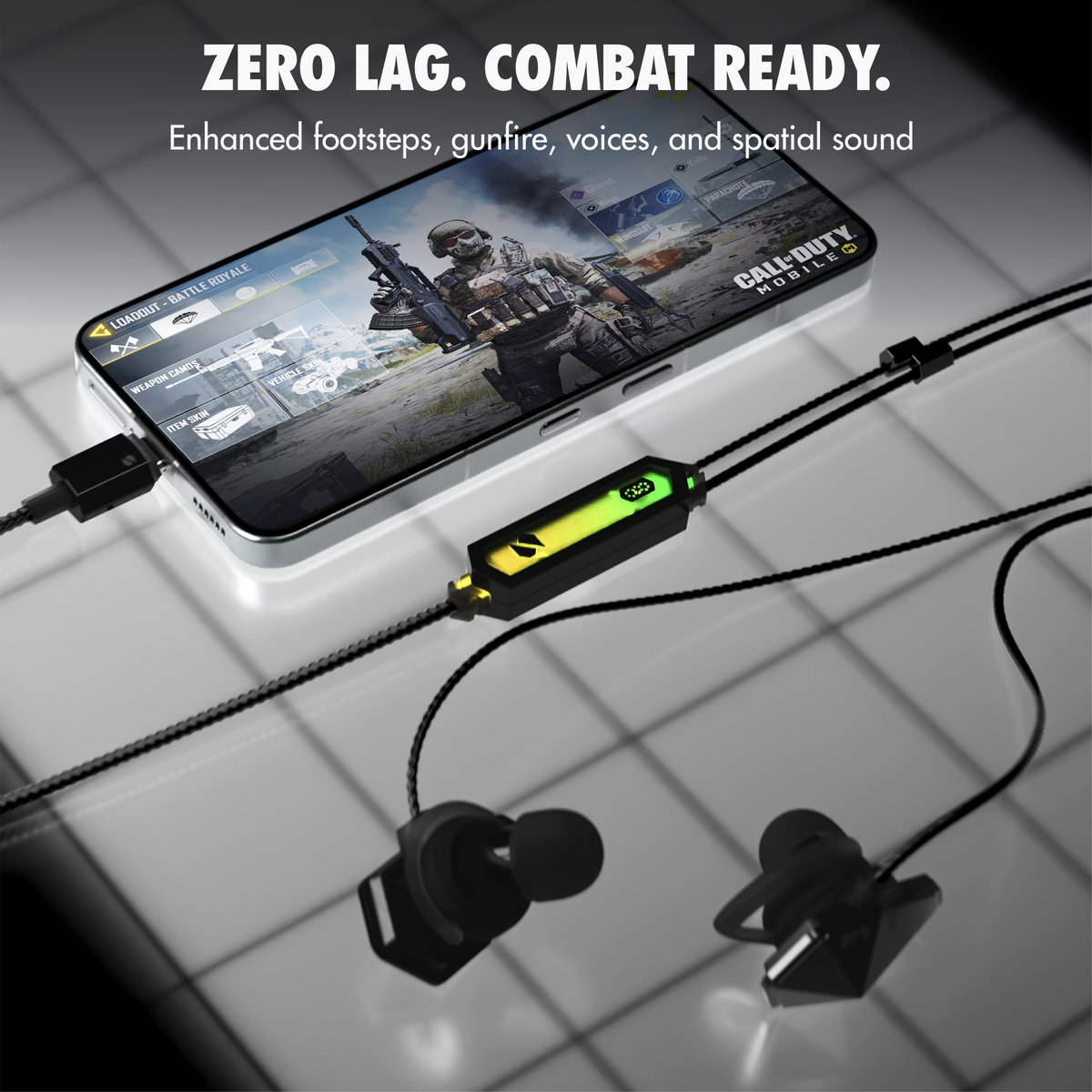
A few weeks ago, we introduced quick mute controls on the Soundscape home screen for SANWEAR-HARDWIRE, making it easy to mute during calls and gameplay.
The SAN Discord community immediately had a better idea:
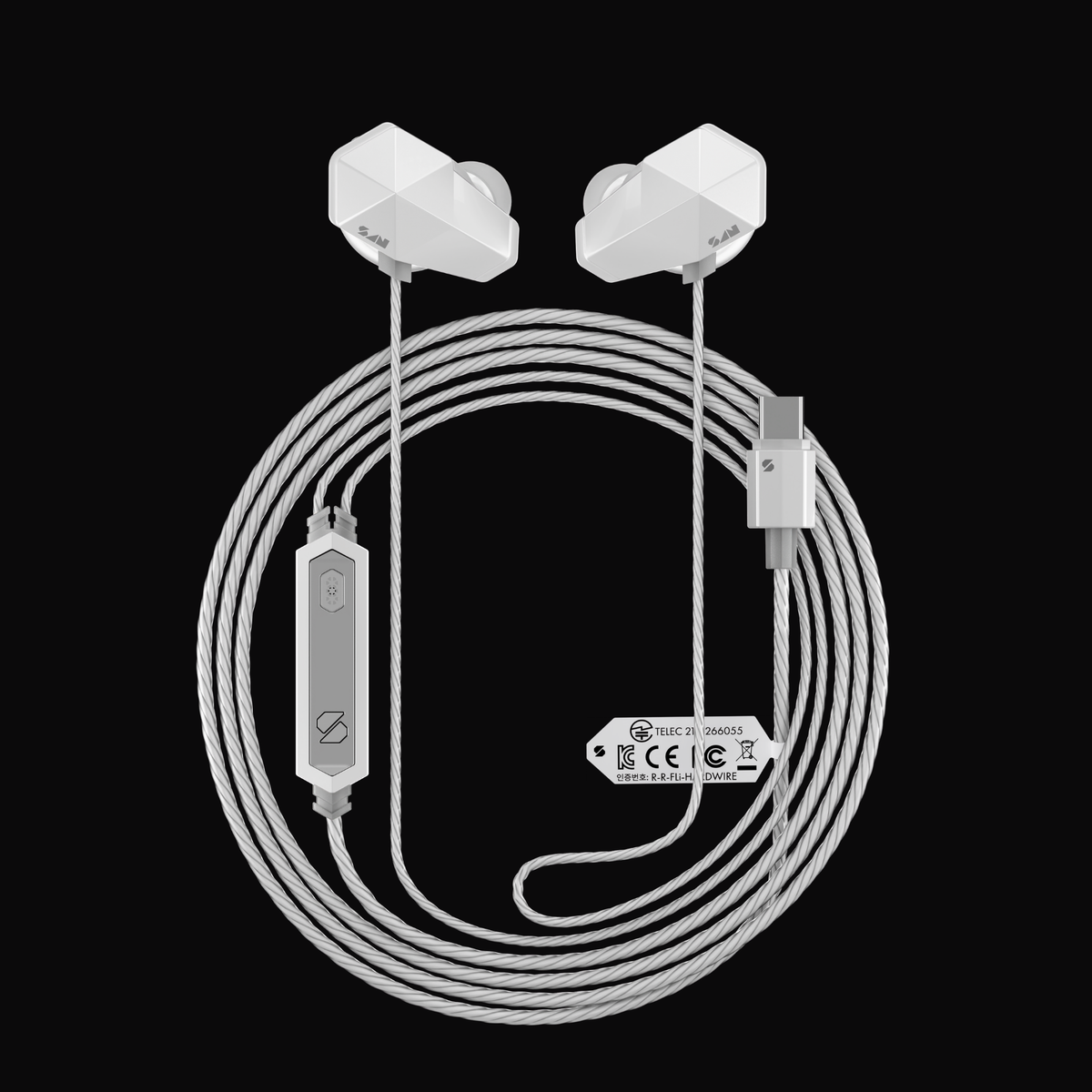
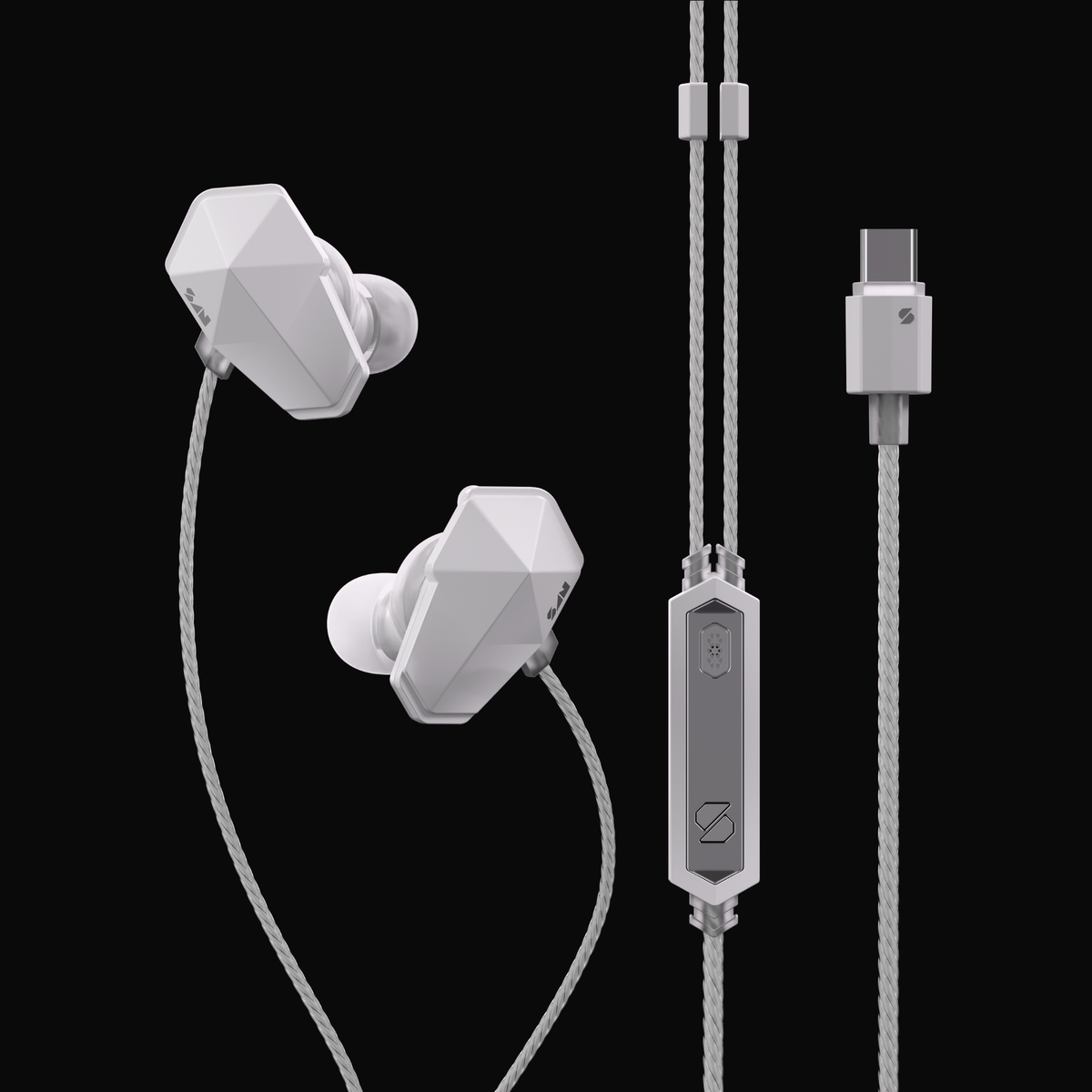
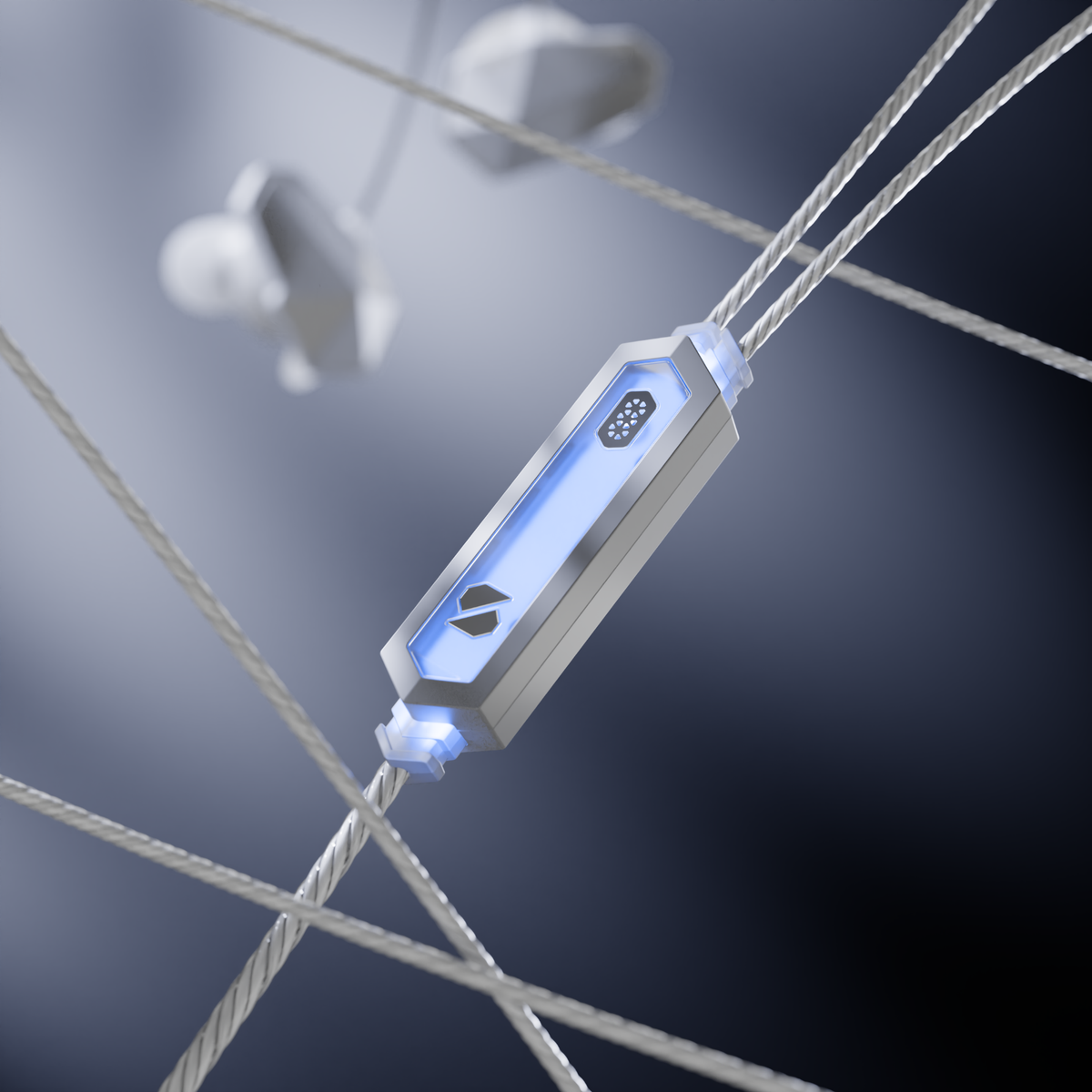
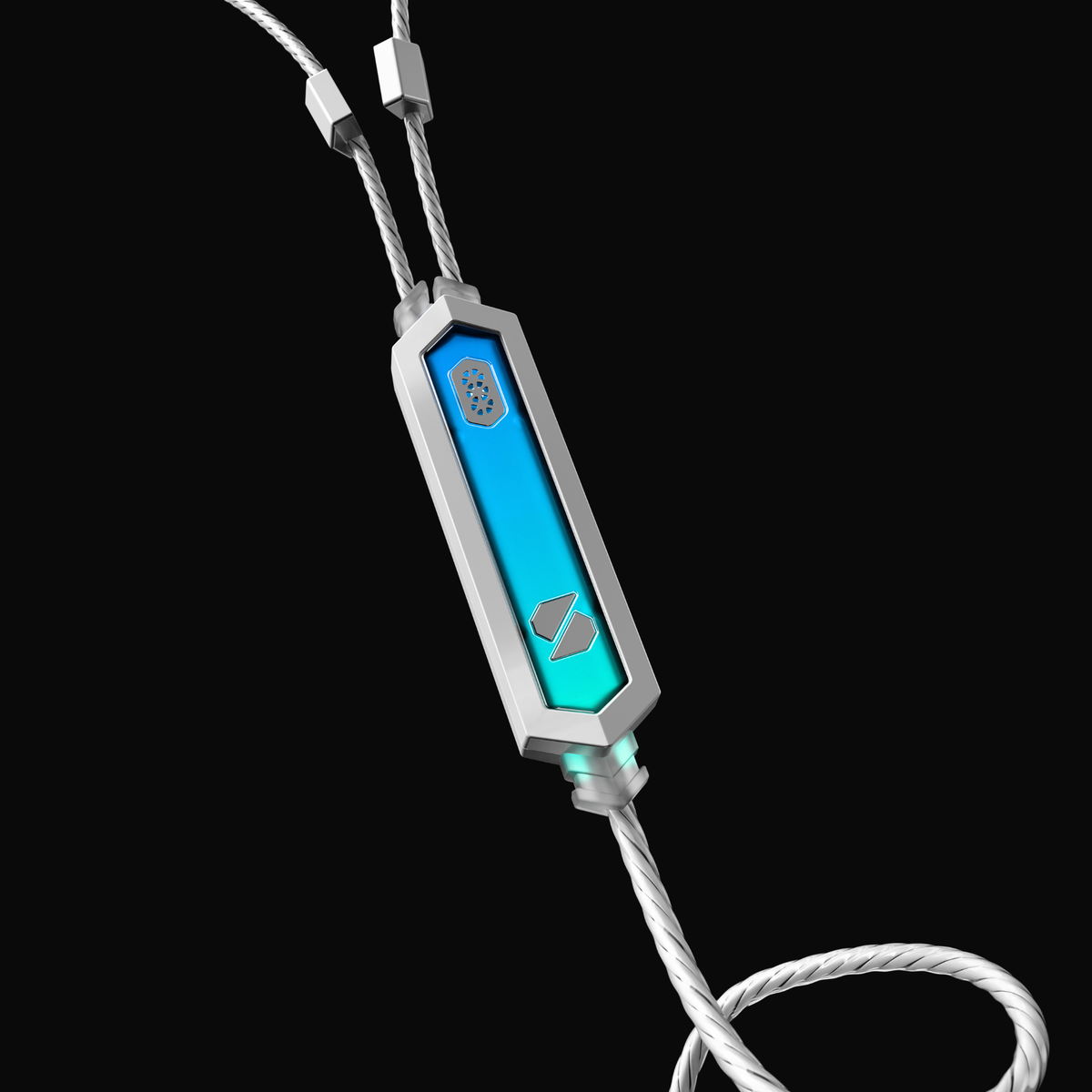
“Can we do it directly from our HARDWIRE using the programmable button?”
Today, the answer is yes. Yes you can.
Turn Any Button Gesture Into Mute
Starting today on iOS and Android, you can assign Mute/Unmute to any supported button gesture on your SANWEAR-HARDWIRE.
Single click, double click, short press, or whatever feels most natural to you. Just open gesture settings in the Soundscape app, choose your preferred gesture, and assign it to "Mute/Unmute".

Know Your Mic Status at a Glance
Every time you toggle mute, HARDWIRE plays a short confirmation tone, so you always know whether your microphone is muted or live.
This is great for:
- Eating during long phone calls.
- Yelling at Mom during gaming sessions (sorry, mom)
- Coughing without apologizing to the lobby.
- Those “I’ll be right back” AFK moments during team meetings.
- Literally any time you don’t want the whole voice chat hearing what’s happening around you.
How to Get It
This feature requires HARDWIRE firmware v1.0.2. The update is available today on iOS and Android.
A Note from the Developer
One of the best parts of building SAN products is seeing ideas come directly from the community. This feature started as a conversation. Two weeks later, it became a home screen control. Today, it’s built directly into HARDWIRE itself.
Thank you to everyone in the discord who shared feedback, tested ideas, and pushed us to make this happen. Keep the suggestions coming. Some of our favorite features begin with a simple, “Wouldn’t it be cool if…”



分享:
Single Driver Excellence
Audio Addiction: Why Some Headphones Are Forgettable and SANWEAR Isn't