

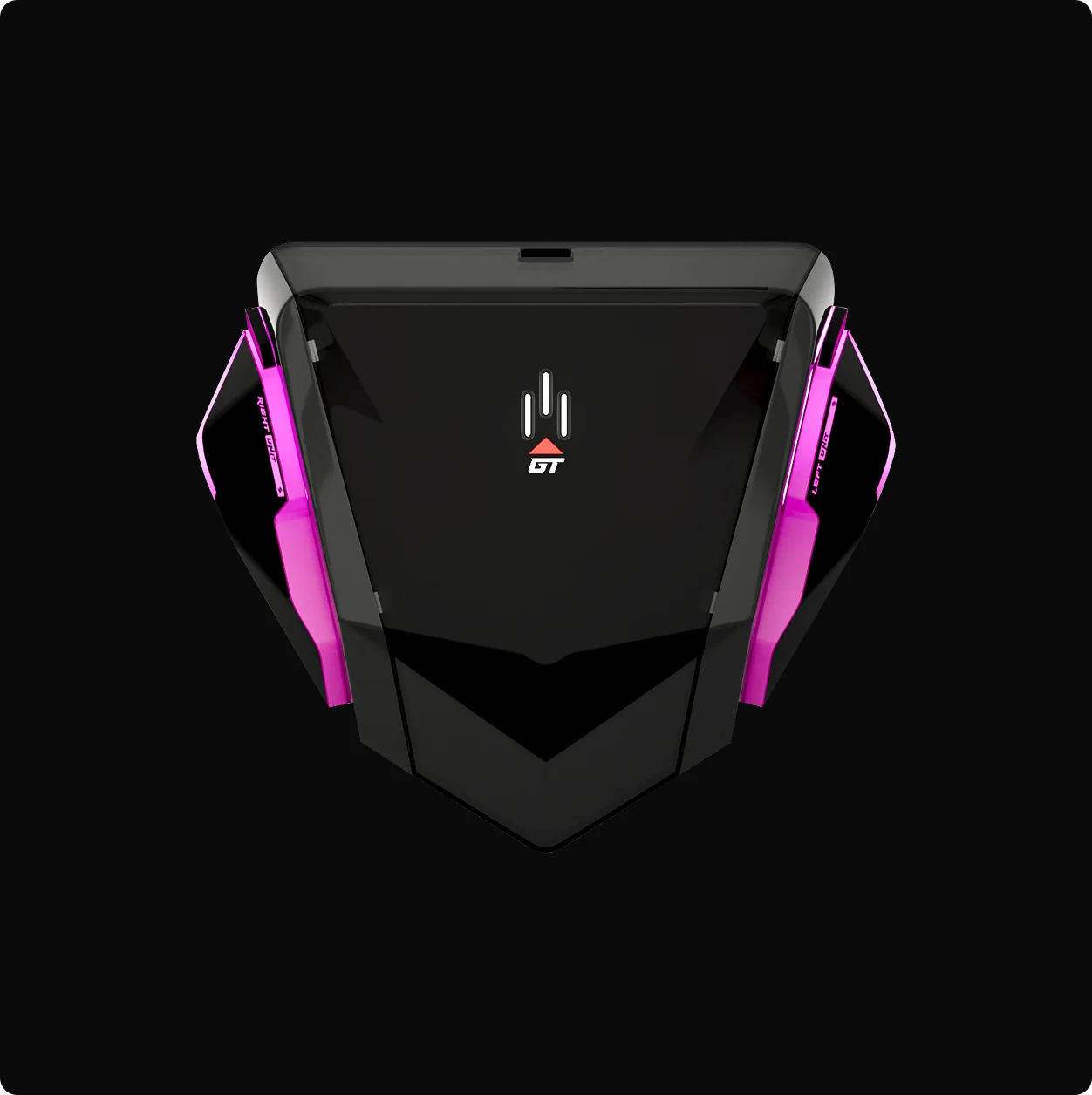

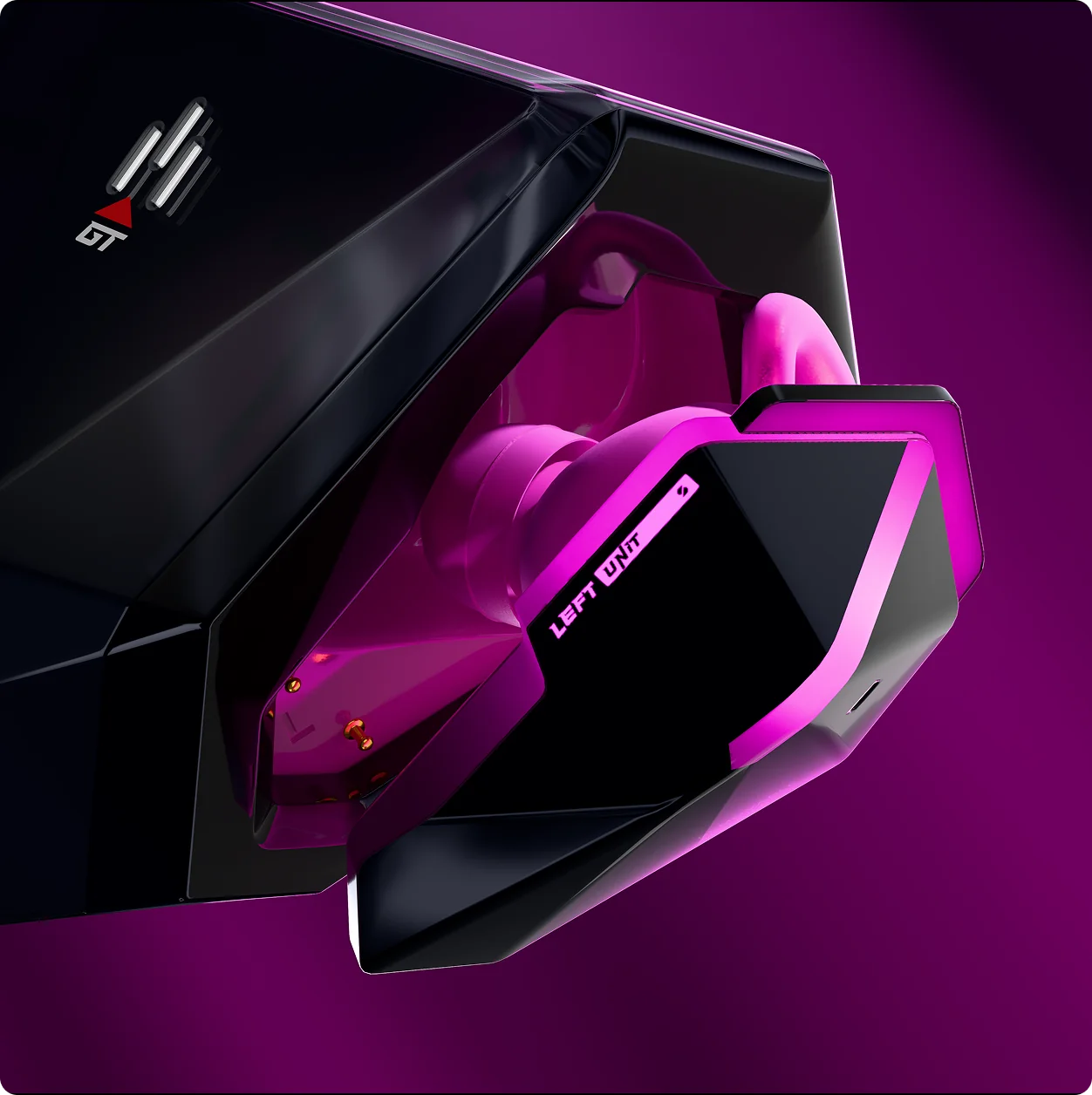
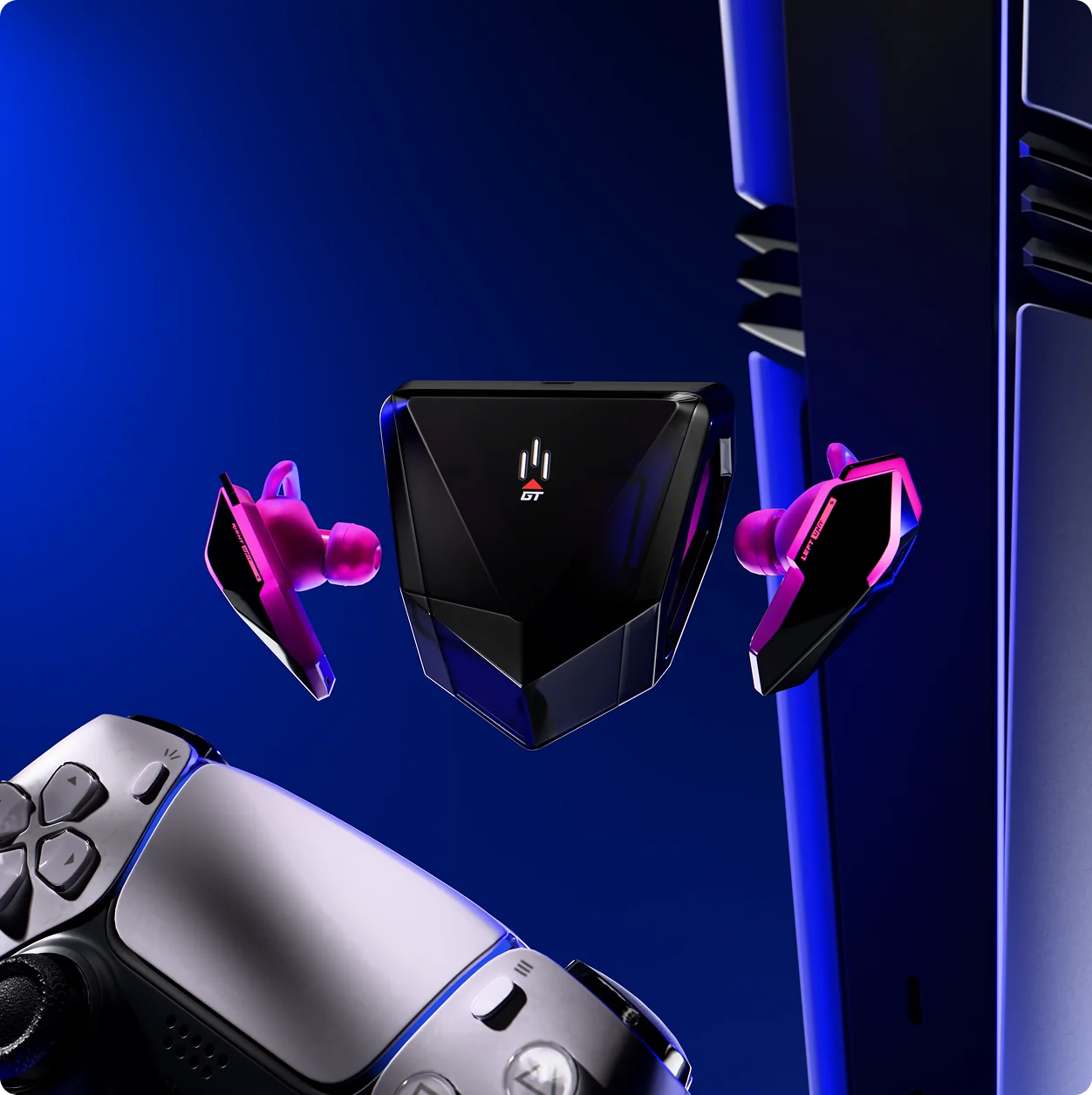
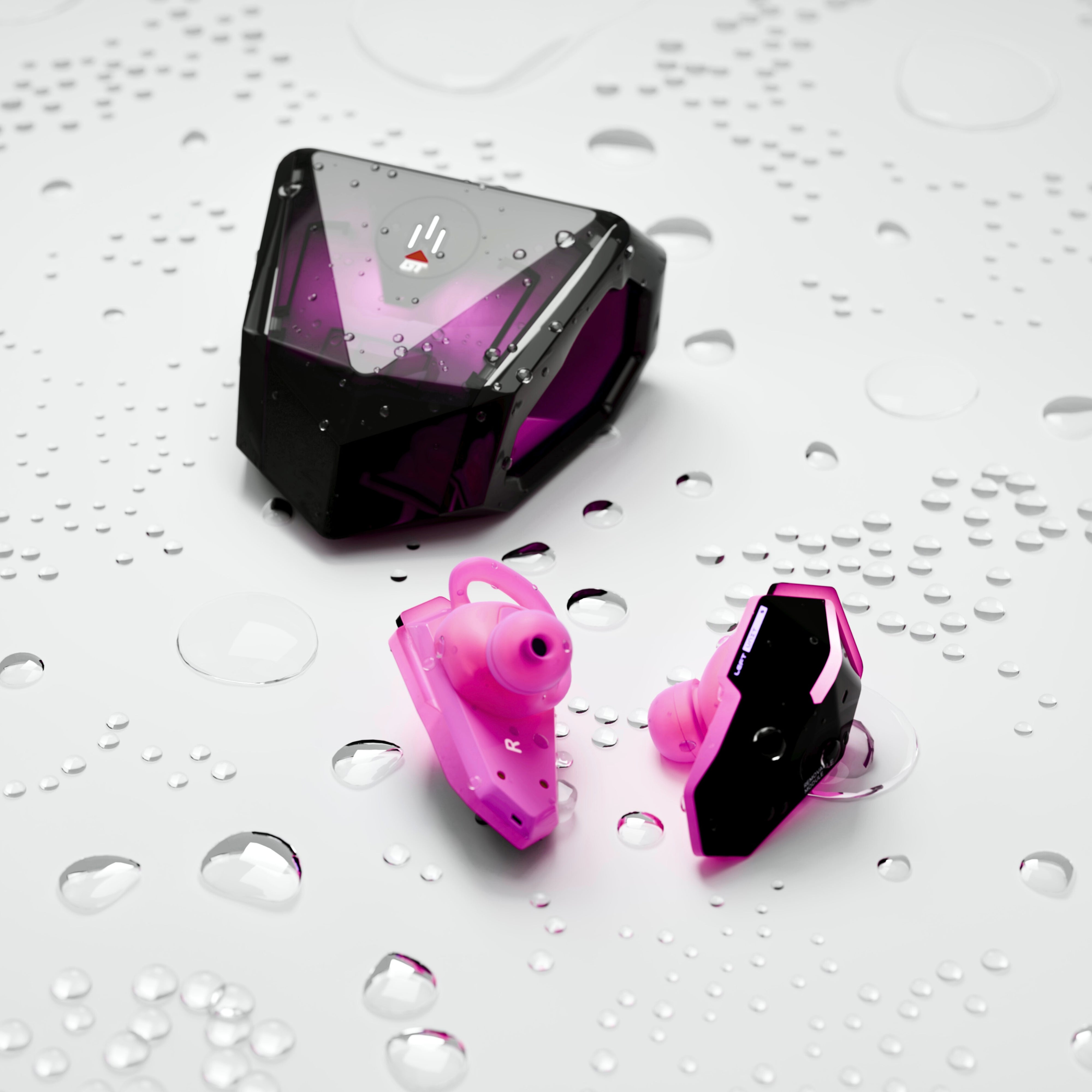
SANWEAR-GAMETYPE

Free US shipping over $150

30-day returns. No questions.

1-year warranty

Ask us anything on Discord
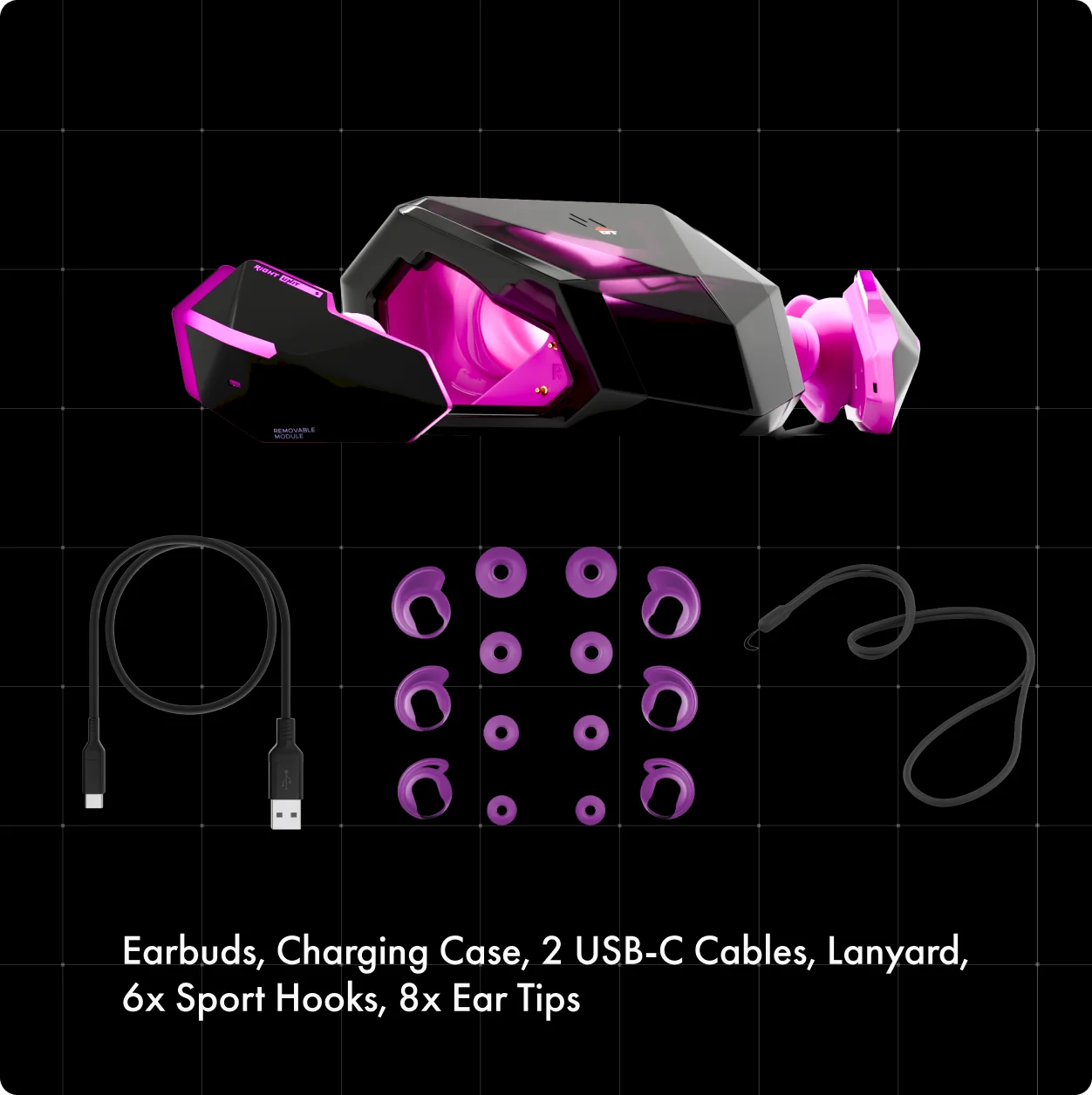
What's in the box
- SANWEAR-GAMETYPE earbuds
- Four ear-tip sizes
- Three sport hook sizes.
- 1x USB-C to USB-A cable
- 1x USB-C to USB-C cable
- SAN travel pouch
- Rubber travel lanyard
- Quickstart + Soundscape download
Specs
Driver — 8mm Hyper-Dynamic V3 · beryllium-infused diaphragm
Connectivity — 2.4GHz + Bluetooth 5.3
Latency — 20 ms SANSYNC
Battery — 33 hours
Mic — Environmental Noise Cancellation (ENC) isolates and amplifies your voice while cancelling out background noise. .
App — Soundscape · profiles written to buds
Water / Sweat Resistance — IPX6
SANWEAR-GAMETYPE
If you have any questions, you are always welcome to contact us. We'll get back to you as soon as possible, within 24 hours on weekdays.
-
Shipping Information
Use this text to answer questions in as much detail as possible for your customers.
-
Customer Support
Use this text to answer questions in as much detail as possible for your customers.
-
FAQ’s
Use this text to answer questions in as much detail as possible for your customers.
-
Contact Us
Use this text to answer questions in as much detail as possible for your customers.
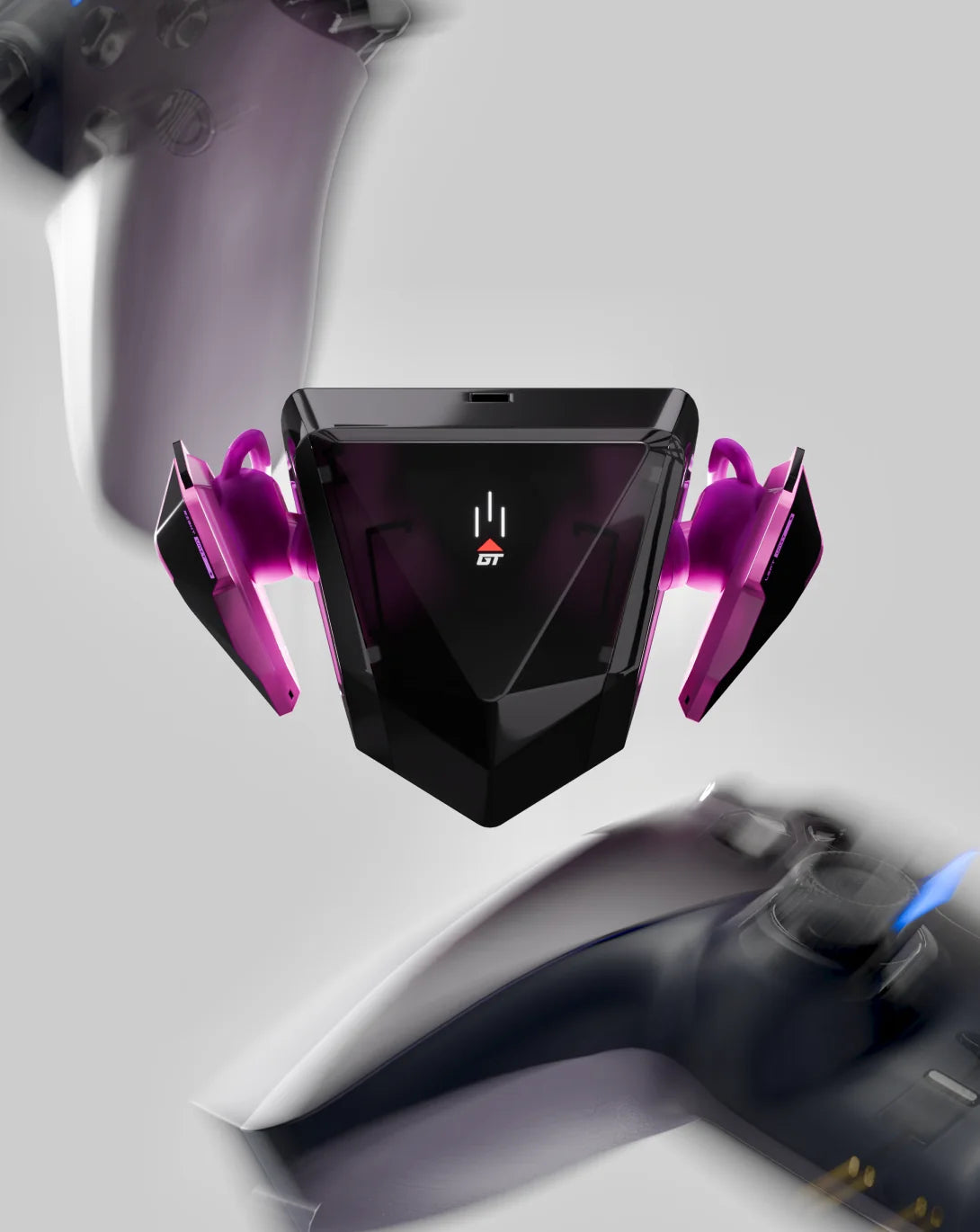
Built for motion
Tournament ready, anywhere.
Over-ear performance, in-ear form-factor. Pinpoint footsteps, reloads, or any other trouble, in tournament or on the go.
React at the speed of sound with our 20ms, no-lag SANSYNC connection. Switch between Open World and Combat configurations and hear our Holographic Audio recipe truly shine.


The opposite of Planned Obsolescence.
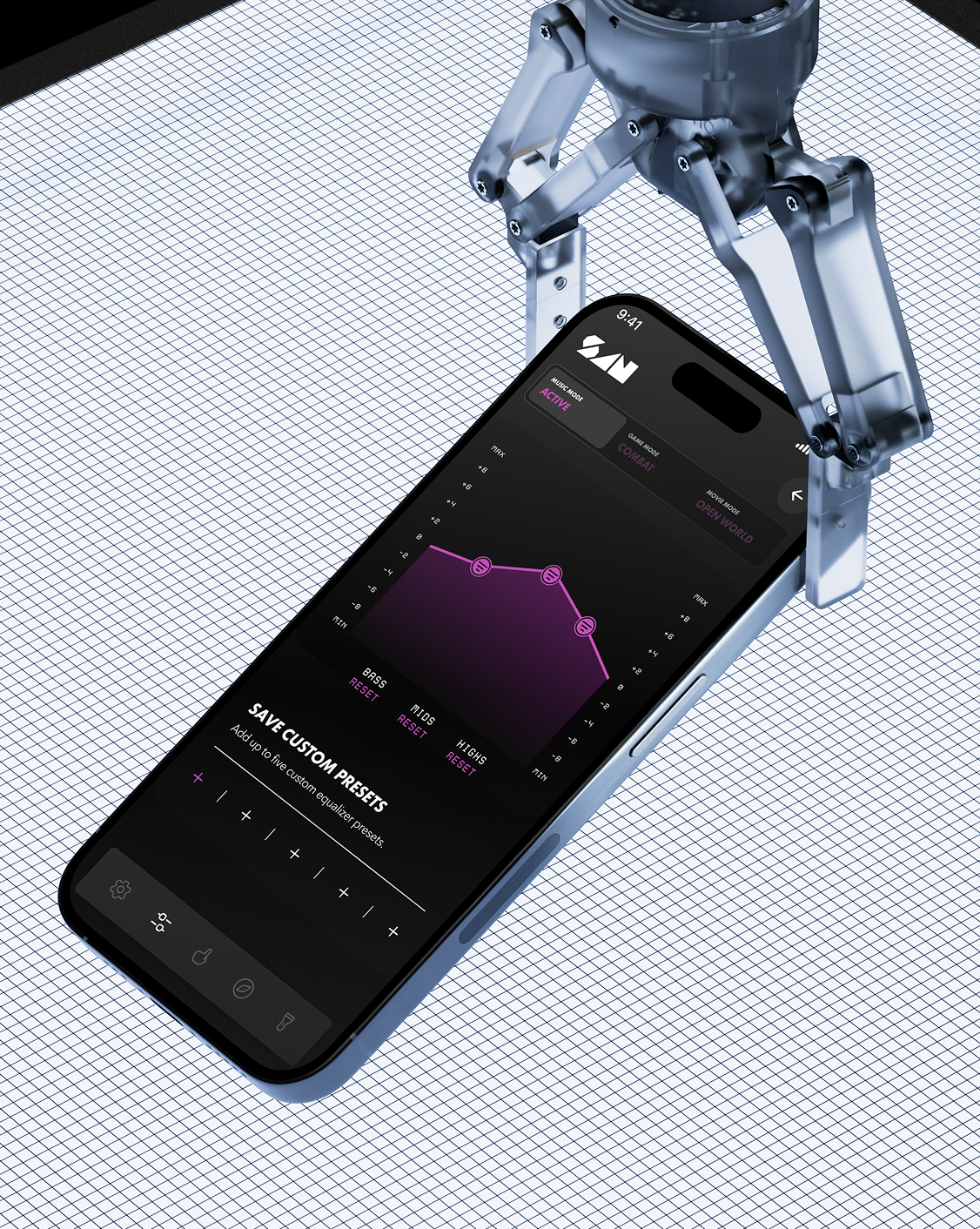
Take control. With the Soundscape app you can customize your sound, and personalize light controls and touch commands for any of your SANWEAR earbuds.
TUNE
Customize your EQ, lighting, and gestures. Open the Command Center create your own custom EQ or select from our specialized presets. Your sound profiles live on the SANWEAR and follow you to every device.
UPGRADE
Operating system updates, new sound profiles, beta features, and unlocks keep your SANWEAR feeling new for years
UNLOCK (Coming Soon)
Listening builds XP for your profile. Level up for avatar accessories, exclusive sound profiles, monthly drops, VIP status, and SAN Keys.


GAMING EARBUDS?
There's a reason you've never seen anyone use 'gaming headphones' to
listen to music. We built these from scratch for gamers who care about
sound. All the best features with none of the shortcuts.


SANSYNC
Up to 10x faster than Bluetooth
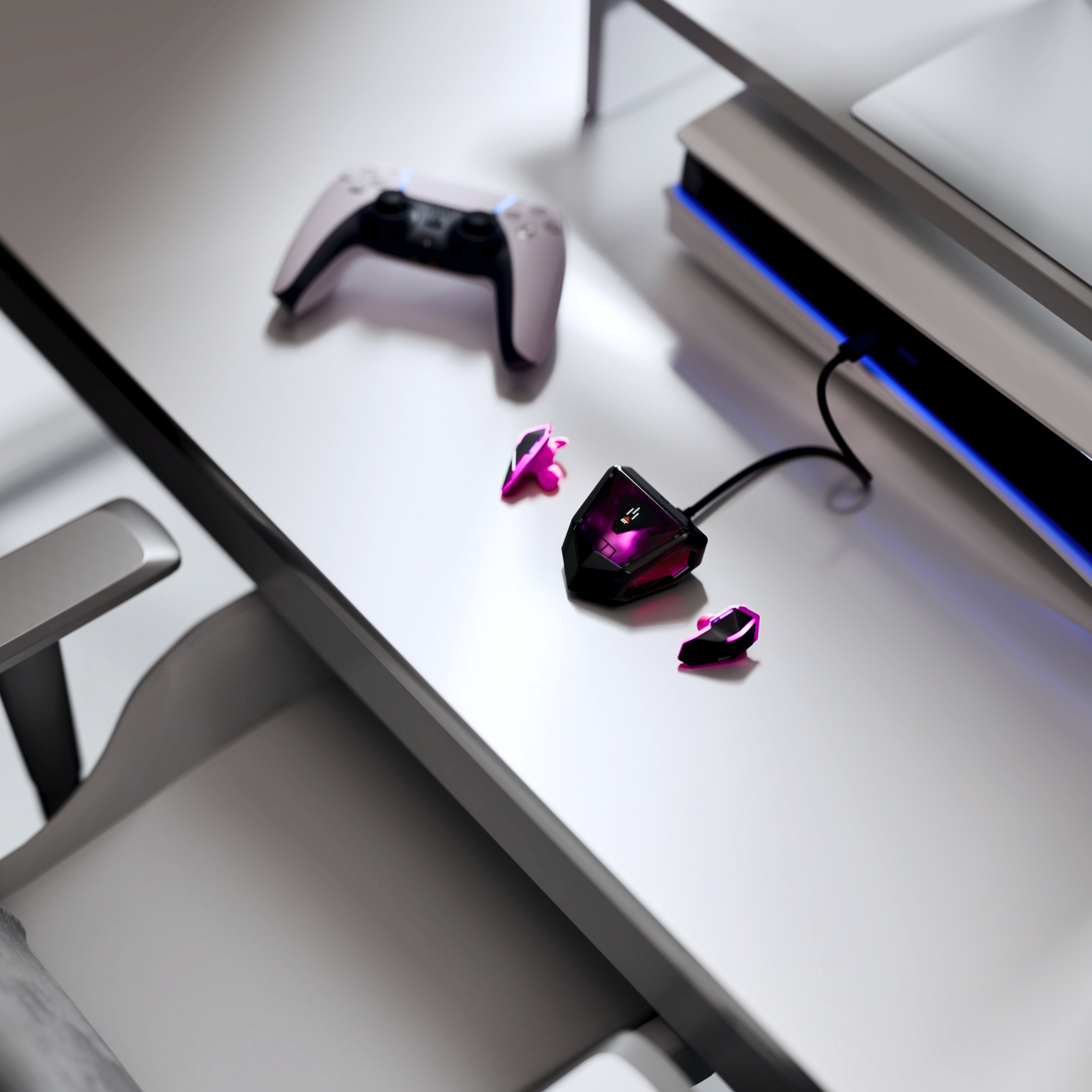
20ms response via SANSYNC. Just plug the case in to any device* via USB-C and listen, lag-free. As convenient as it gets.
*Except Xbox
No Active Noise Cancelling
And we want it that way.
ANC drains battery, multitasks the drivers, and (literally) destroys audio quality by polluting the intended sound output. It’s generally a gimmick used by manufacturers to compensate for bad environmental noise management and a subpar fit. With excellent ear tips that provide a good seal, you won’t miss it.
A great fit is all you need to block out the rest of the world.
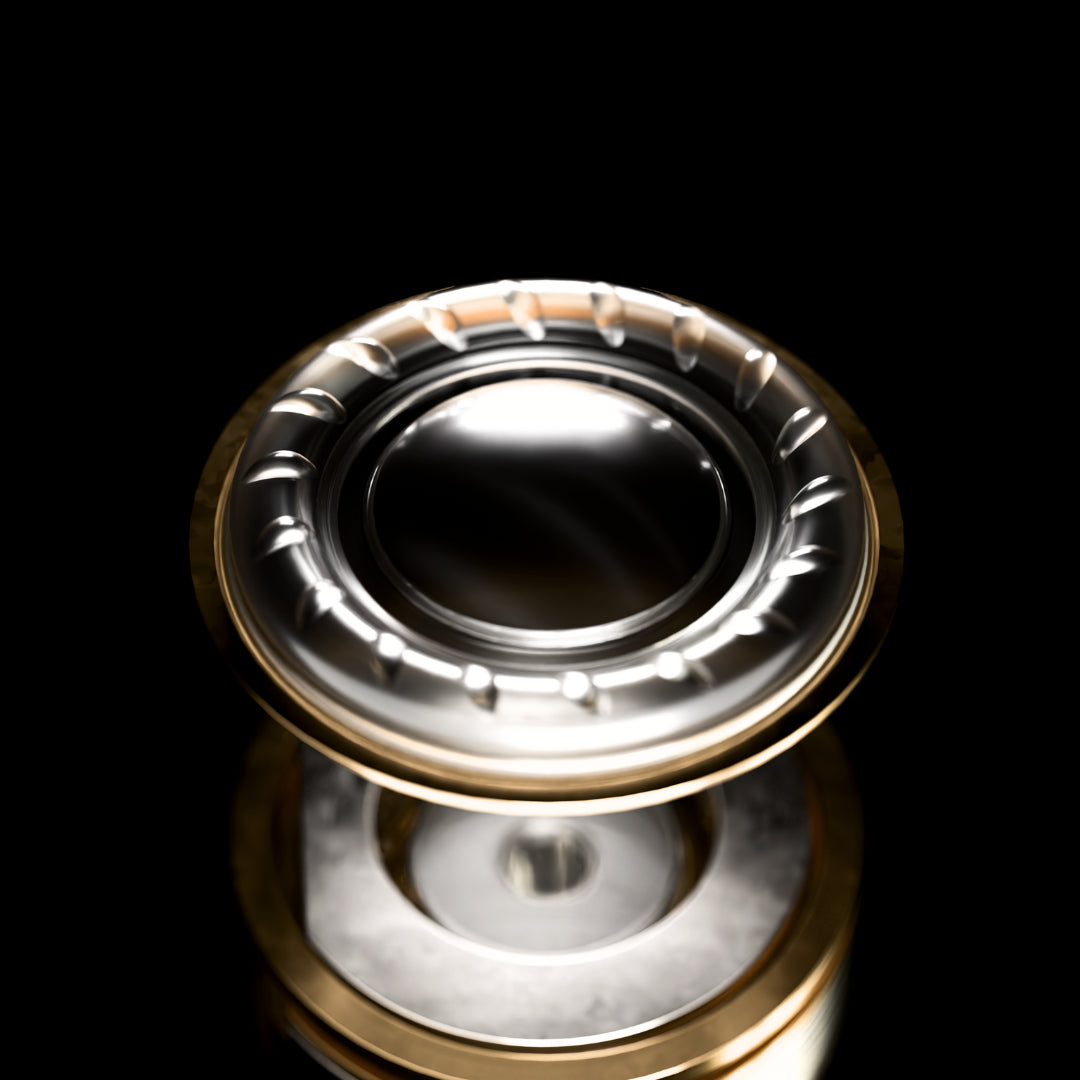
Single Driver Excellence
Holographic audio requires perfect timing. Multi-driver systems split frequencies across separate components, introducing phase distortion and timing errors at the crossover points.
We use a single Hyper-Dynamic Driver to maintain full-spectrum coherency and deliver a precise spatial soundstage.
Beryllium-Infused
Better ingredients means better sound. We've chosen only the best, even when it's more expensive to process than gold.
More rigidity, low-end mass, and warmth.
Sub Bass Imaging
Our focus on sub-bass means greater spatial sound, expansive soundstage, and heightened sense of scale
N52 Neodymium Drive
The most powerful magnet commercially available. Delivers extreme magnetic flux in minimal space. That means driving the diaphragm with higher force for greater output, faster attack, and cleaner dynamics.
SANWEAR-GAMETYPE (GT)
What is SANWEAR-GT?
SANWEAR-GT is a SAN Sound earbud system designed for both Bluetooth and SANSYNC connectivity.
What is SANSYNC?
SANSYNC is SAN Sound's dedicated wireless connection system — built into the charging case, no dongle.
How do I connect SANWEAR-GT using SANSYNC?
Plug the charging case into a compatible device's USB-C port — the SANSYNC transmitter is built into the case — then place the earbuds into the correct pairing mode so they can connect.
How do I switch SANWEAR-GT between Bluetooth and SANSYNC?
Use the supported touch control sequence for your model to switch connection modes.
What should I do if the SANSYNC case keeps blinking?
Make sure the earbuds are charged, close to the case, and in the correct connection mode. If needed, reset the earbuds and try pairing again.
Why are my SANWEAR-GT earbuds not connecting over SANSYNC?
The earbuds may still be in Bluetooth mode, may need a reset, or may not be fully charged. Try resetting and reconnecting from the start.
Can I use SANWEAR-GT with Bluetooth only?
Yes. SANWEAR-GT can connect through Bluetooth on supported devices.
Why does SANWEAR-GT not appear in my Bluetooth list?
Make sure the earbuds are in Bluetooth pairing mode, nearby, charged, and not already connected to another device.
Why can't I connect SANWEAR-GT after pairing before?
Forget the earbuds from your Bluetooth settings, reset the earbuds, then pair them again.
Why is only one SANWEAR-GT earbud working?
The earbuds may need to resync with each other. Place both earbuds in the case, reset them, and reconnect.
How do I reset SANWEAR-GT?
Use the supported reset sequence for your model, then reconnect the earbuds from your device's Bluetooth or SANSYNC settings.
Why are my SANWEAR-GT earbuds not charging?
Check that the charging contacts are clean, the earbuds are seated correctly in the case, and the case has battery power.
How do I clean the SANWEAR-GT charging pins?
Gently clean the charging contacts with a dry, soft cloth. Avoid liquids or sharp objects.
Why does charging seem inconsistent?
Charging can be affected by dirty contacts, loose seating in the case, low case battery, or cable/power source issues.
Why is the battery draining faster than expected?
Battery life can vary depending on volume, connection mode, call use, environment, and feature settings.
Why does the battery percentage fluctuate in the app?
Battery readings may update as the earbuds reconnect, recalibrate, or report charge level from each side.
Can I use SANWEAR-GT for calls?
Yes. SANWEAR-GT supports call audio and microphone use on compatible devices.
Does SANWEAR-GT have a microphone?
Yes. SANWEAR-GT includes microphone functionality.
Why does my SANWEAR-GT audio sound muffled?
Muffled audio may be caused by poor fit, blocked ear tips, debris, or an incomplete seal.
Why is the bass weak on SANWEAR-GT?
Weak bass is usually related to fit and seal. Try adjusting the earbuds or using a different ear tip size.
Can I use SANWEAR-GT with a computer?
Yes. SANWEAR-GT can be used with compatible computers through Bluetooth or the SANSYNC case connected over USB-C.
Can I use SANWEAR-GT for gaming?
Yes. SANSYNC is designed to provide a more direct wireless connection experience for compatible devices.
Can I connect SANWEAR-GT to multiple devices at the same time?
Connection behavior may depend on the device and mode being used. For best results, disconnect from one device before pairing to another.
Why do my earbuds reconnect to the wrong device?
They may automatically reconnect to the last paired device. Turn Bluetooth off on the old device or forget the earbuds there before pairing again.
What should I do if my SANWEAR-GT case is not charging?
Try another USB-C cable, another power source, and check the charging port for debris.